> ## Documentation Index
> Fetch the complete documentation index at: https://primer.io/docs/llms.txt
> Use this file to discover all available pages before exploring further.
# Templates
Templates are pre-configured workflows that will help you hit the ground running.
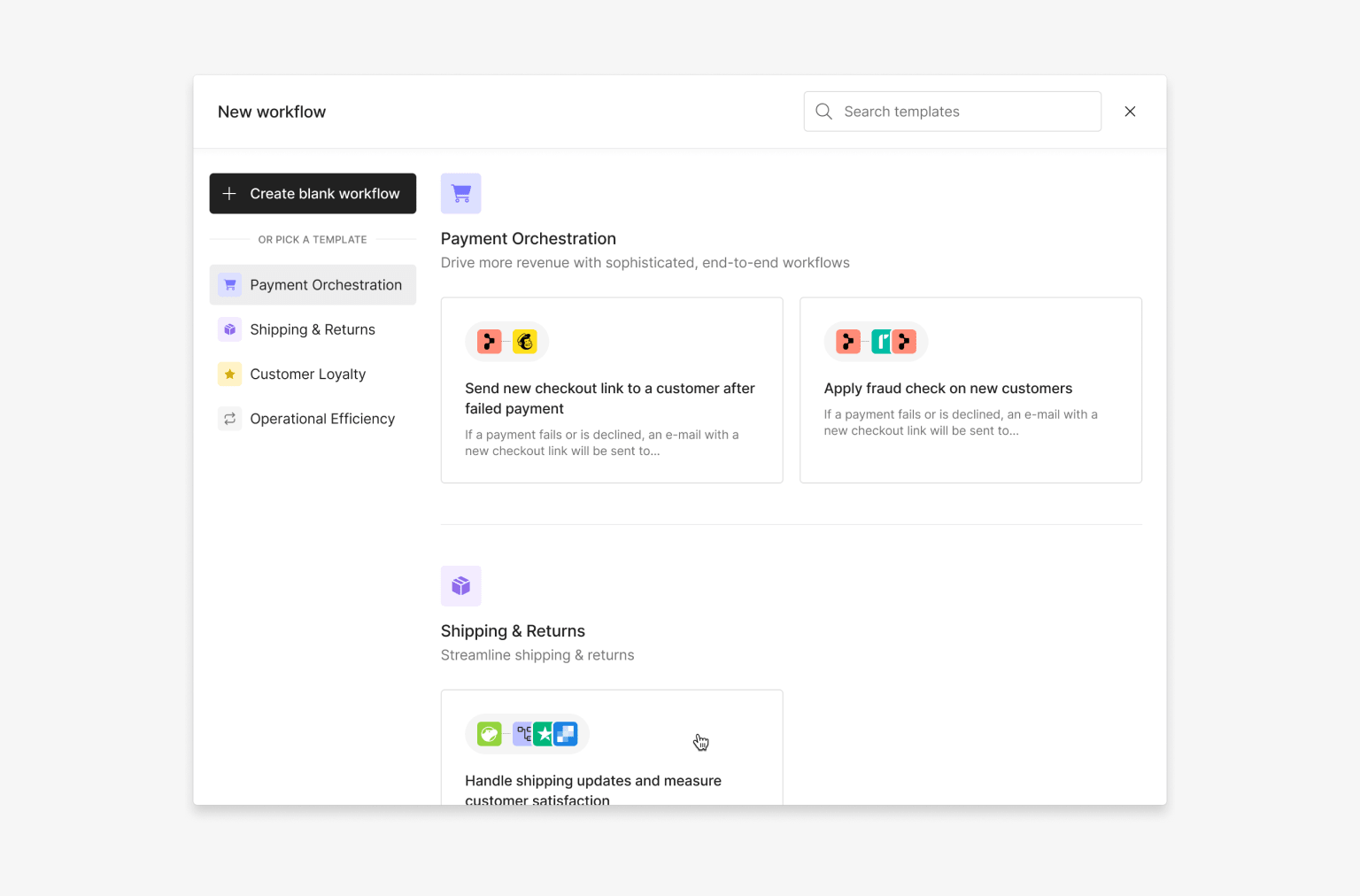
When creating a new workflow, you can browse all available templates that Primer has made available for a wide array of use cases, such as Payment Orchestration and Operational Efficiency.
A template, same as a workflow, consists of a [Trigger](/docs/workflows/apps/overview#triggers) and multiple blocks ([Utilities](/docs/workflows/utilities/workflow-utilities/), or [actions](/docs/workflows/apps/overview#actions) with [Inputs](/docs/workflows/apps/overview#inputs-and-outputs) already set up). Each template covers a very specific use case but you can always tailor the workflow according to your requirements once you added it to your account.
## Discover templates
When you [create a new workflow](/docs/get-started/create-workflow) you will have two options: either select a template or manually create a workflow from scratch.
For every template that is available you have the option to preview to learn more about it, or to use it as a workflow right away.
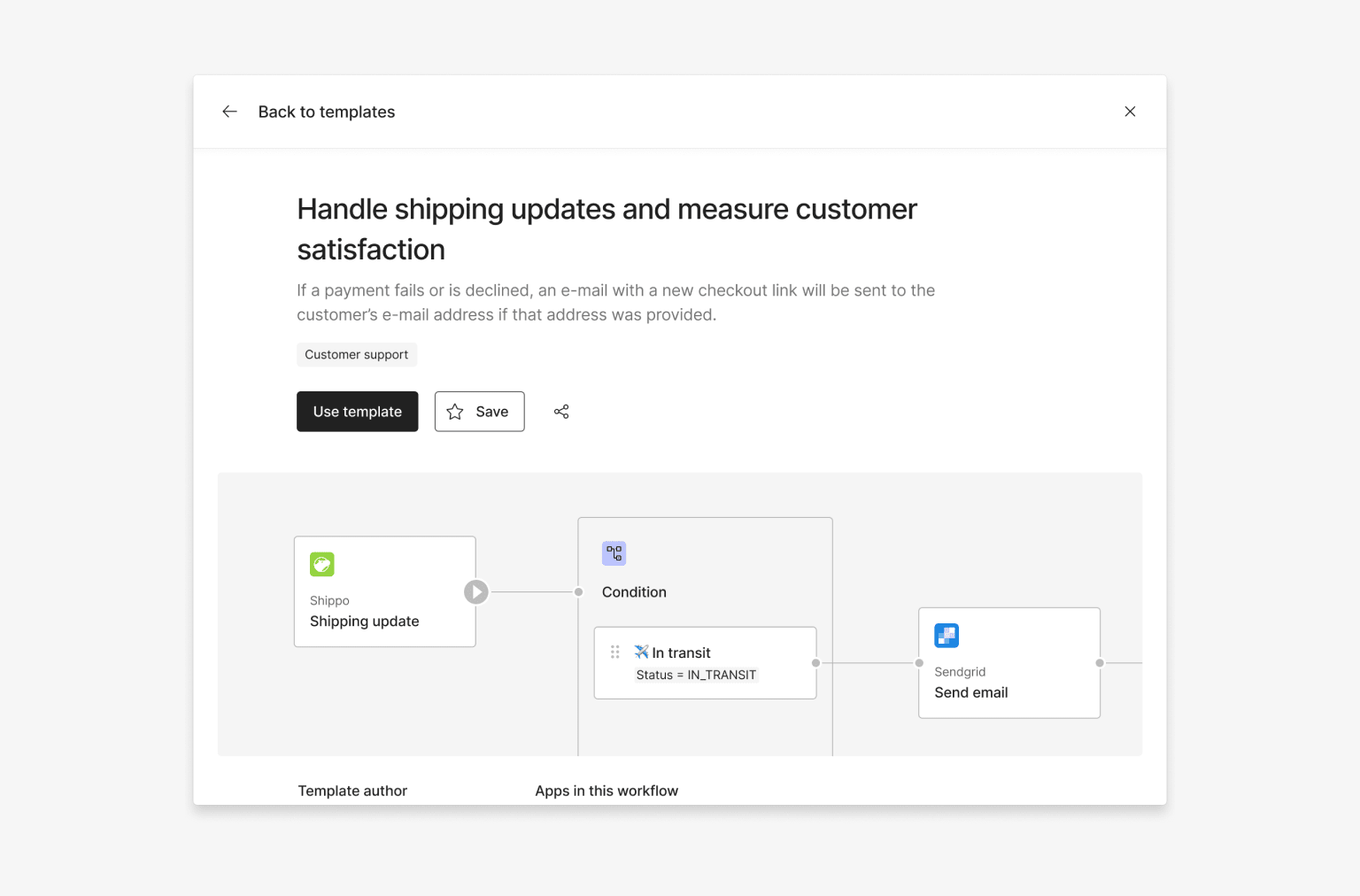
Choosing to use the template will create a new workflow in your account that comes pre-configured and is yours to change. From here on out the workflow is no longer connected to the template.
### Publishing
Publishing a workflow created from a template depends on whether all apps are connected and all required inputs are set. [Workflow validation](/docs/workflows/workflow-validation) will show if any additional actions need to be taken, such as filling required fields or connecting an app.
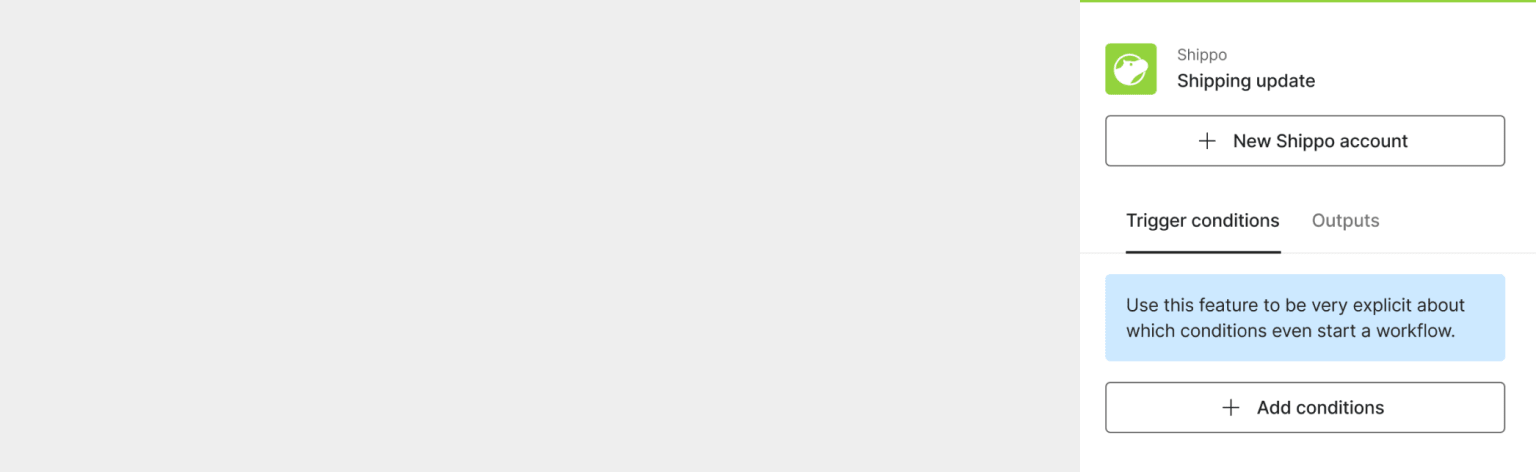
You can use a template and convert it to a workflow even if you are not yet connected to any of the third-parties used within that template. In the above example, Shippo has not been connected yet, but that does not prevent you from building a workflow accordingly. However you will have to connect the app in order to be able to publish your workflow.
## Start automating
* Once your new workflow is published, it's time to check the [Workflow Runs](/docs/workflows/monitor-workflows/overview) to see if the workflows work as intended or if there are any issues to debug.
* Do you have suggestions for other use cases we should be covering with templates? [Reach out to us](https://primerapi.atlassian.net/servicedesk/customer/portal/11) and let us know!