> ## Documentation Index
> Fetch the complete documentation index at: https://primer.io/docs/llms.txt
> Use this file to discover all available pages before exploring further.
# Fingerprinting
## What is fingerprinting?
Fingerprinting is the process of generating an identifier for a specific payment method, without revealing any sensitive information. Contrary to payment method tokens, fingerprints cannot be used to make payments, which makes them a secure representation of payment method details.
Fingerprints are extremely valuable to:
* Check whether a particular card is used by multiple customers, which can be an indicator of fraud
* Track if a user is using the same card for multiple customer-present payments, which is a signal that a vault could greatly improve the user experience
* Save the preferred card of a customer
A payment method token is not a valid fingerprint since tokenizing or vaulting the same card multiple times yields different payment method tokens.
## Fingerprinting with Analytics ID
Primer API exposes [`analyticsId`](/docs/api-reference/v2.4/api-reference/payments-api/get-a-payment#response.body.paymentMethod.analyticsId) to act as a fingerprint for all payment methods. You can find this value
* in the Payment object, in the [API](/docs/api-reference/v2.4/api-reference/payments-api/get-a-payment#response.body.paymentMethod.analyticsId) and in the Workflow
* attached to a [saved payment method token](/docs/api-reference/v2.4/api-reference/payment-methods-api/list-saved-payment-methods#response.body.data.analyticsId)
`analyticsId` is unique per Primer account. Tokenizing the same card on multiple Primer accounts will generate different `analyticsId`
When Universal Checkout tokenizes the same payment method multiple times, a new single-used payment method token is generated each time, even if the payment method is part of your unified vault. On the other hands, the `analyticsId` attached to the payment method token remains the same.
As a result, we recommend storing the `analyticsId` when you want to save the preferred vaulted payment method.
## How is Analytics ID created?
Although `analyticsId` is available for every payment method, its value heavily relies on how it is generated.
Check the following table to better understand how we create an `analyticsId` for each payment method:
| Payment Instrument Type | Analytics ID is created from... |
| ---------------------------------------------------------- | --------------------------------------------------------------------------------------------------- |
| Card | - Primer Account ID
- Card number
- Expiry date
|
| Google Pay | - Primer Account ID
- Card DPAN
- Expiry date
|
| Apple Pay
Agnostic processor | - Primer Account ID
- Card DPAN
- Expiry date
|
| Apple Pay
Tied to a processor | - Primer Account ID
- Apple Pay encrypted token (unique per payment attempt)
|
| PayPal
Order (Single payment) | - Primer Account ID
- PayPal Order ID (unique per payment attempt)
|
| PayPal
Billing Agreement (Recurring payments) | - Primer Account ID
- PayPal Billing Agreement ID (unique per agreement)
|
| Klarna
Single payment | - Primer Account ID
- Klarna authorization token (unique per payment attempt)
|
| Klarna
Recurring payments | - Primer Account ID
- Klarna authorization token (unique per agreement)
|
| Other | *Random ID* |
## Example: Blocking payments coming from a specific card
Let’s imagine you have identified a very specific card that you want to block from making any additional payments.
First, retrieve the `analyticsId` you want to block from the payment object.
Then, head to your card-processing workflow and add a route with a condition that checks if the Analytics ID of the payment matches the `analyticsId` you want to block.
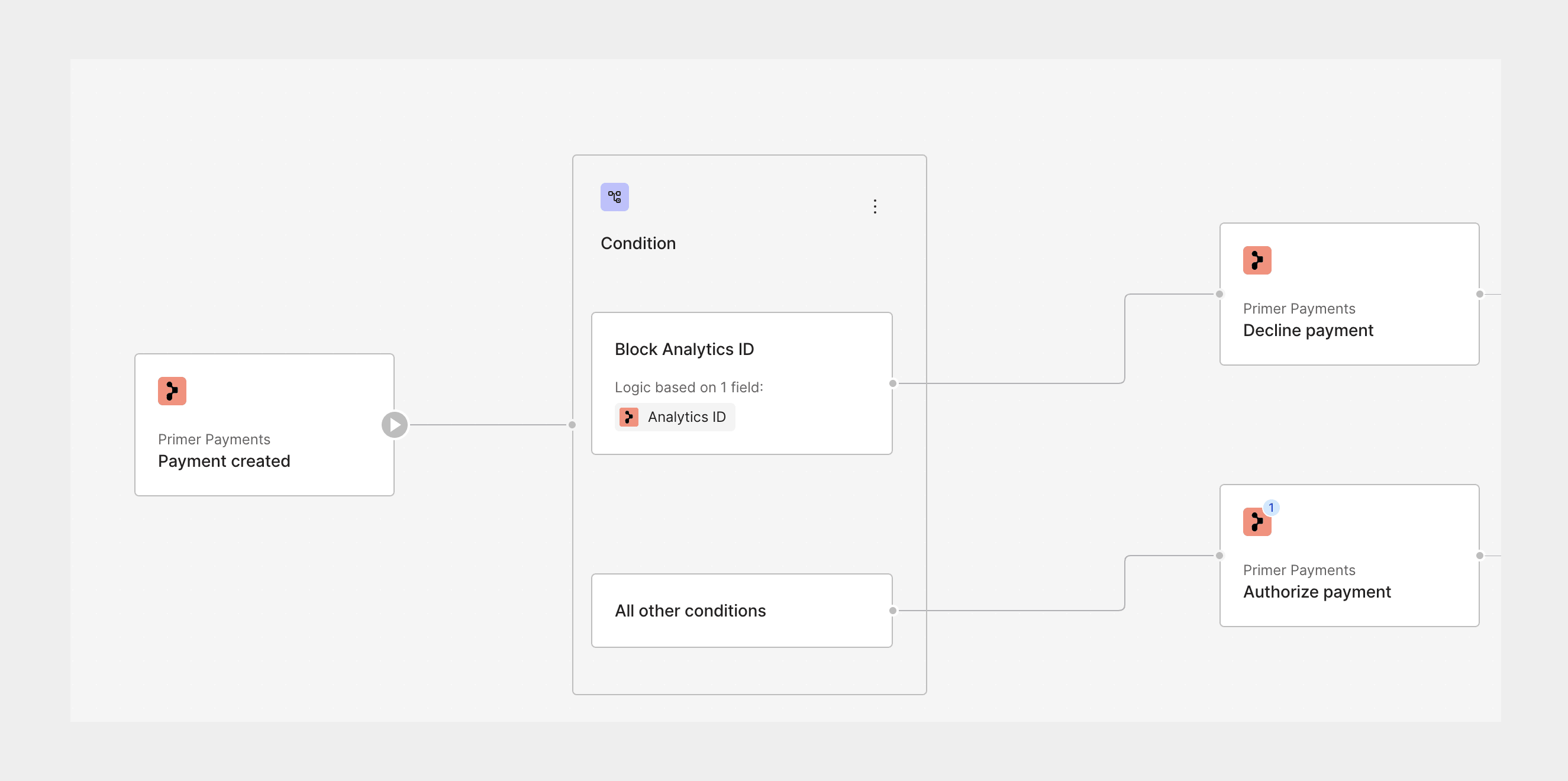
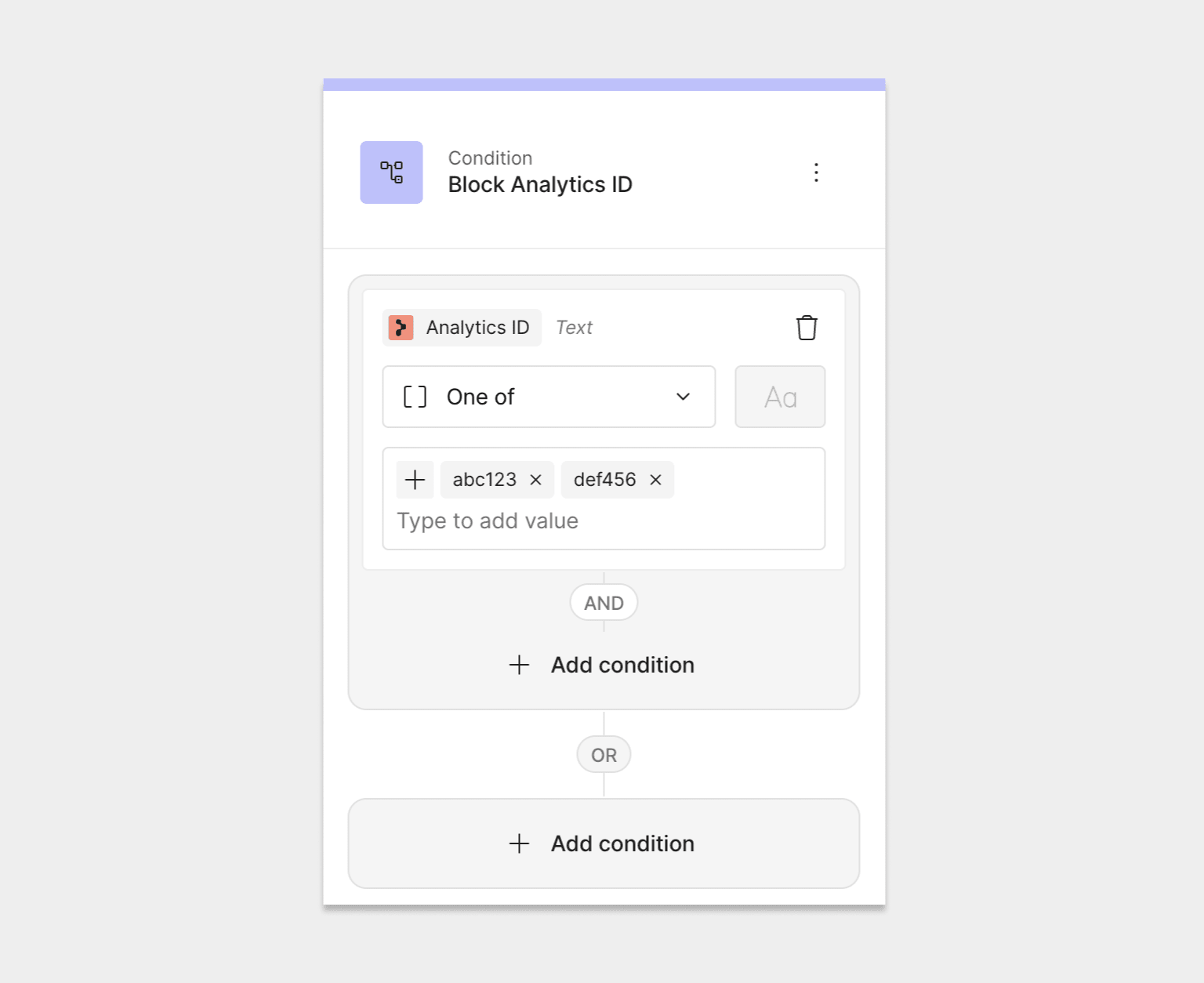 Finally, add a "Decline payment" action to this specific route so that payments with this `analyticsId` are automatically blocked.
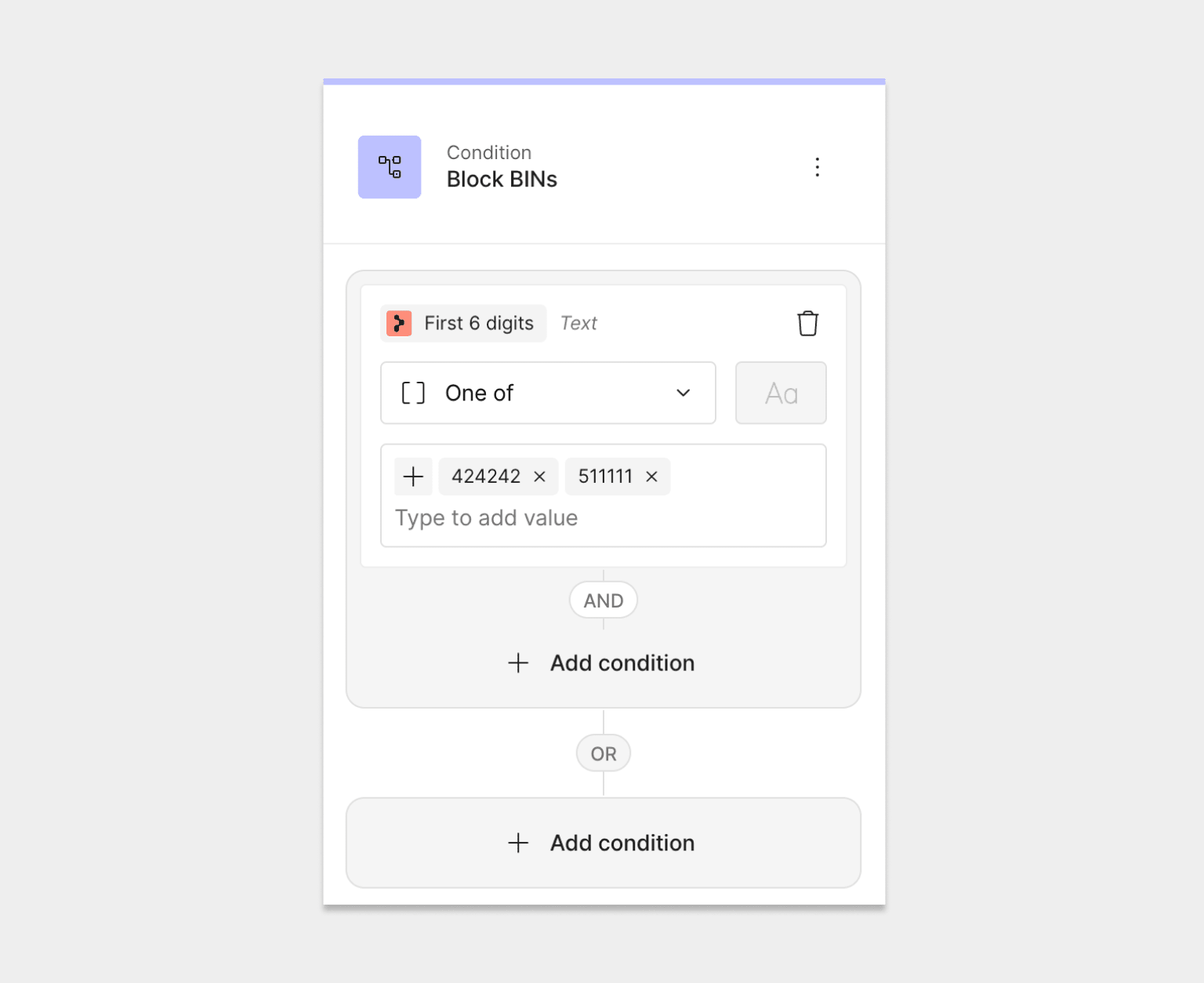
 If you want to block an entire BIN, you can instead create a condition that checks the first 6 digits of the card.