> ## Documentation Index
> Fetch the complete documentation index at: https://primer.io/docs/llms.txt
> Use this file to discover all available pages before exploring further.
# Primer Payment
A **Payment** is a first-class object that unifies the representation of a user payment across all your processors or payment methods.
A Primer payment is made of:
* a **payment status** that conforms to a unified payment lifecycle
* **payment method information** such as card details
* **order details** such as line items and currency
* **customer details** such as contact information, shipping, and billing address
* a **timeline** of events created throughout the lifecycle of the payment
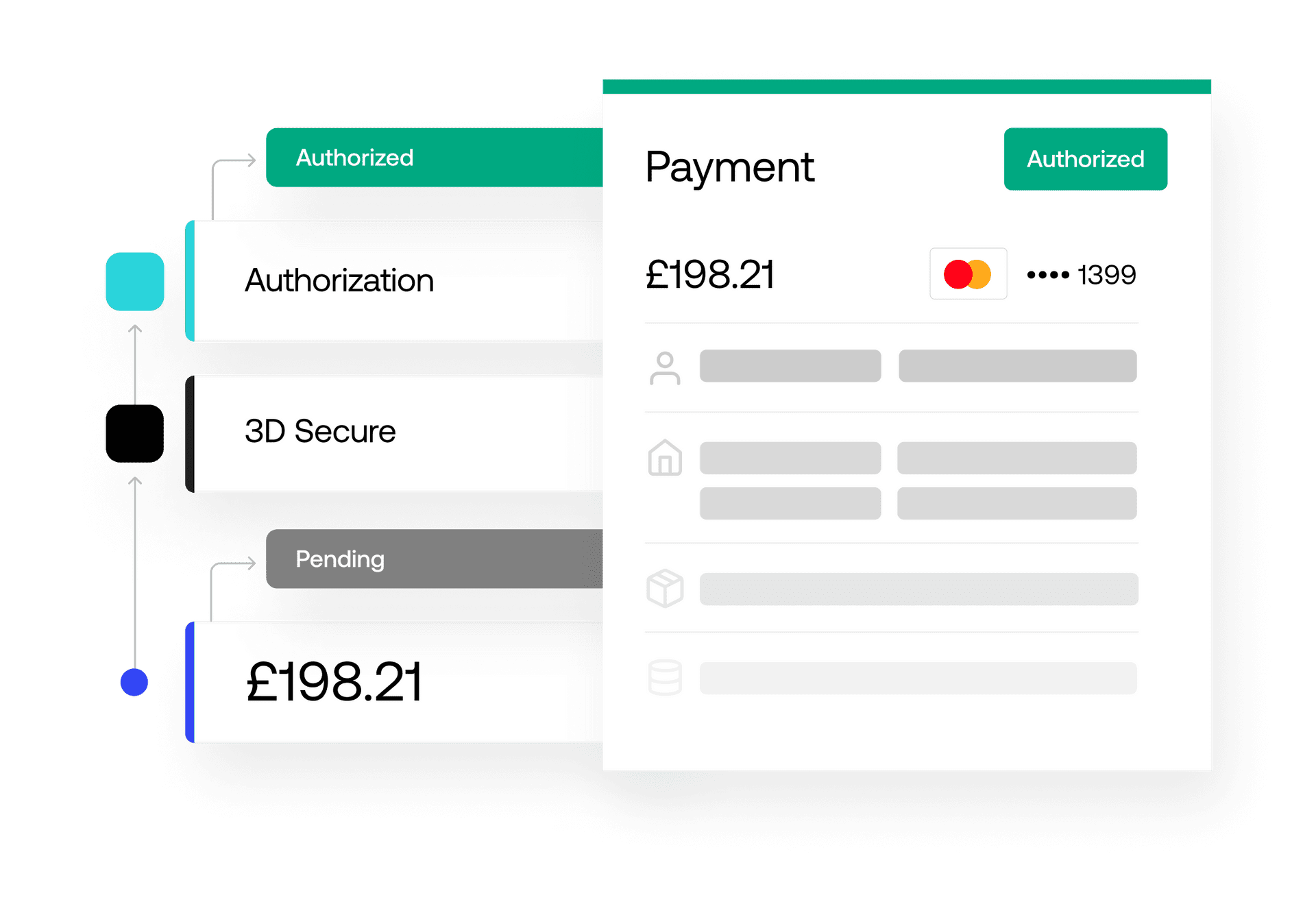 You may be familiar with the **transaction** concept used by many payment processors. Because a single Primer payment can go through multiple processors via fallbacks, retries or split routing, it can contain multiple transactions, all of which are clearly displayed on the payment's timeline.
Payments are created automatically by Universal Checkout - our unified client-side SDK - or manually by sending a request to the Payments API.
In both cases, the following data is required to create a payment:
* An **order ID**
* An **amount** (or a list of **line items**), and a **currency code**
* A **payment method token**
### Order ID
The Order ID offers a simple way for you to tie one or multiple payments to an order in your system.
You can reuse the same order ID for multiple payments. This is handy to link multiple payments together.
### Line items and currency
They describe the total amount and the currency that will be sent to the processor to authorize and capture the payment.
You may be familiar with the **transaction** concept used by many payment processors. Because a single Primer payment can go through multiple processors via fallbacks, retries or split routing, it can contain multiple transactions, all of which are clearly displayed on the payment's timeline.
Payments are created automatically by Universal Checkout - our unified client-side SDK - or manually by sending a request to the Payments API.
In both cases, the following data is required to create a payment:
* An **order ID**
* An **amount** (or a list of **line items**), and a **currency code**
* A **payment method token**
### Order ID
The Order ID offers a simple way for you to tie one or multiple payments to an order in your system.
You can reuse the same order ID for multiple payments. This is handy to link multiple payments together.
### Line items and currency
They describe the total amount and the currency that will be sent to the processor to authorize and capture the payment.