> ## Documentation Index
> Fetch the complete documentation index at: https://primer.io/docs/llms.txt
> Use this file to discover all available pages before exploring further.
# Payment timeline
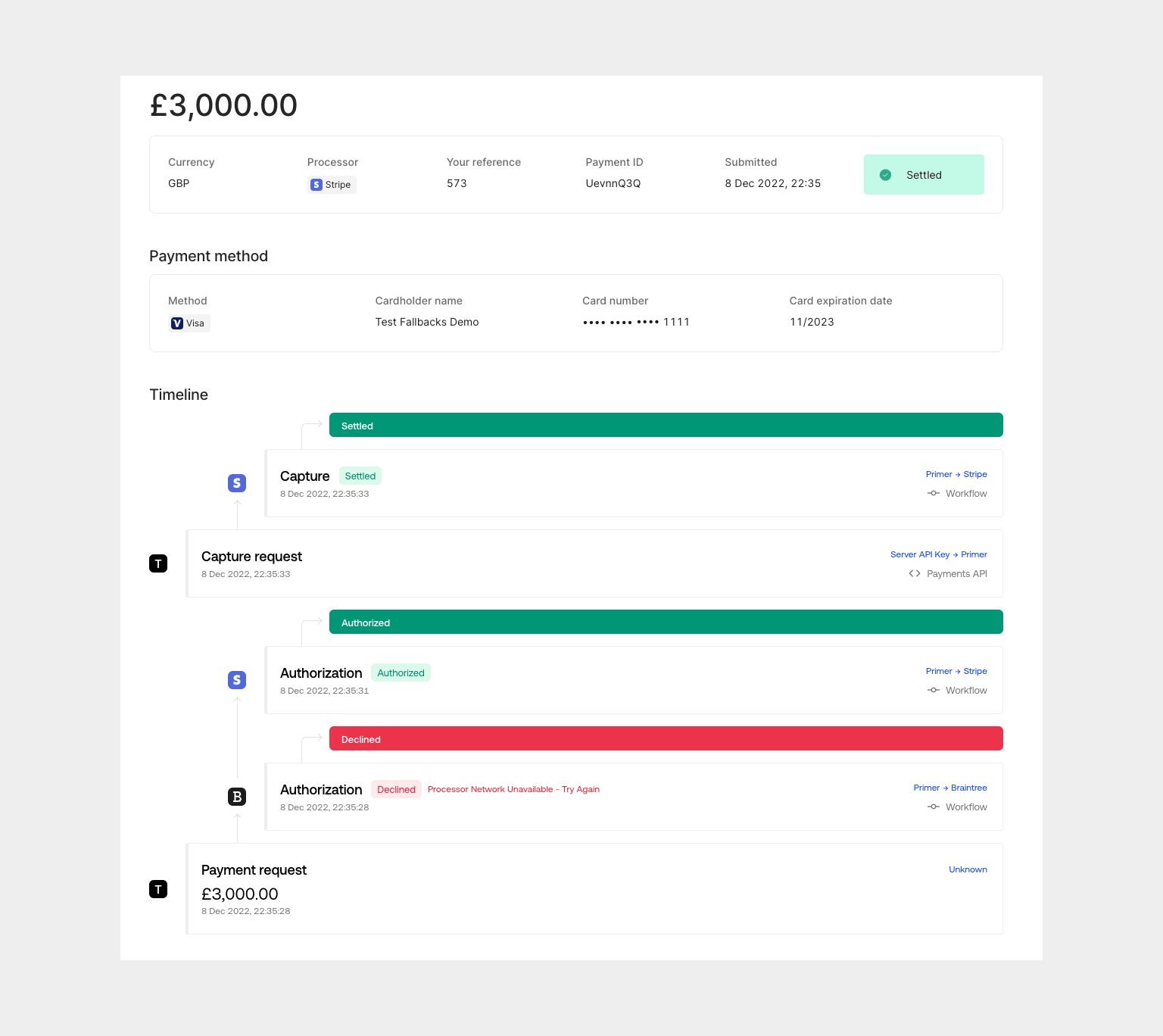
Available for every payment in the Dashboard, the payment timeline is the best representation of a payment on Primer. It displays all attributes of the payment, as well as the entire series of events that have taken place throughout its lifecycle.
## How to find the payment timeline
Navigate, search and filter your payments with an easy-to-use interface in the [Payments](https://dashboard.primer.io/payments) section of the Primer Dashboard.
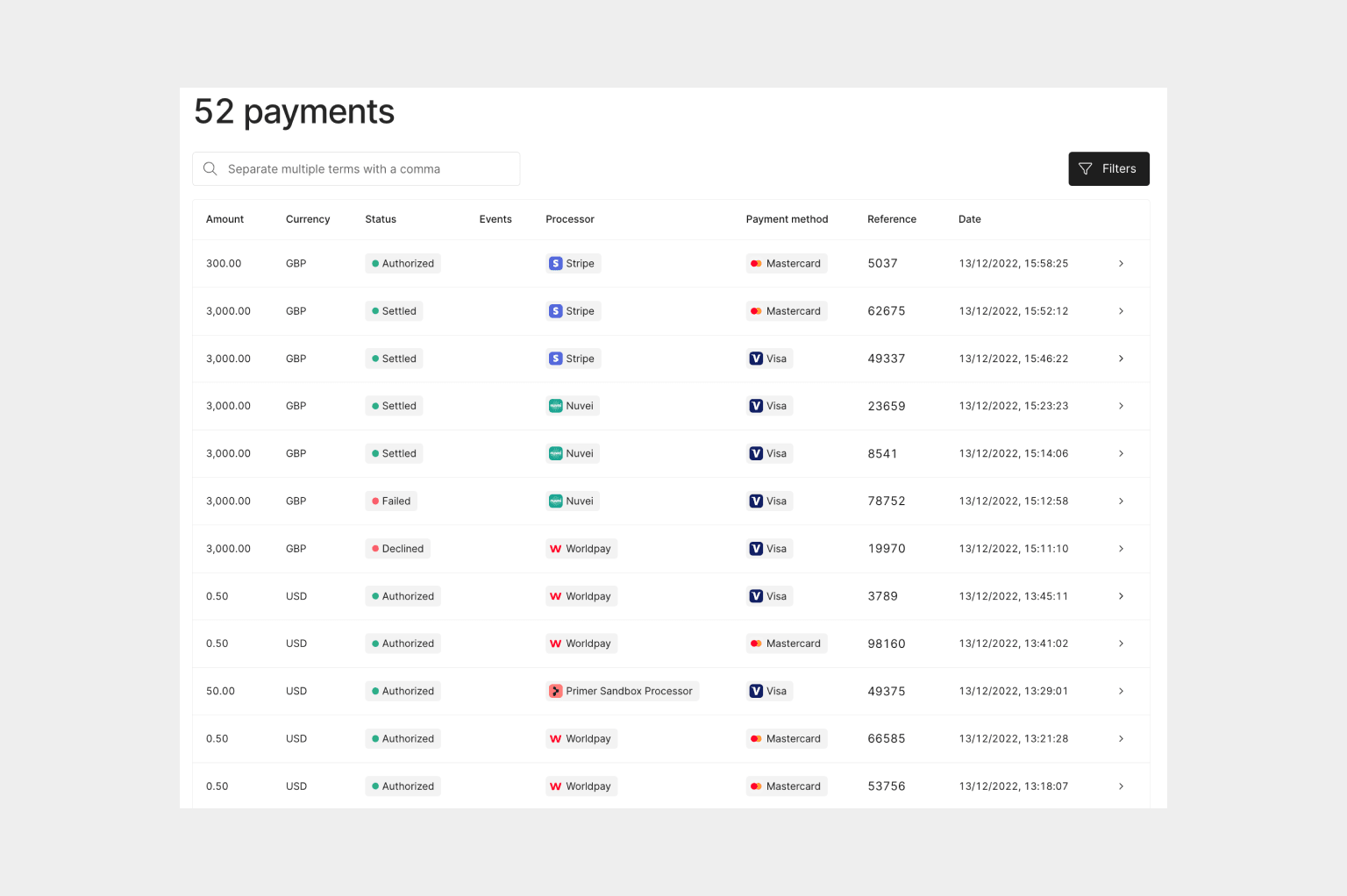 Select a payment to see its detailed timeline of events.
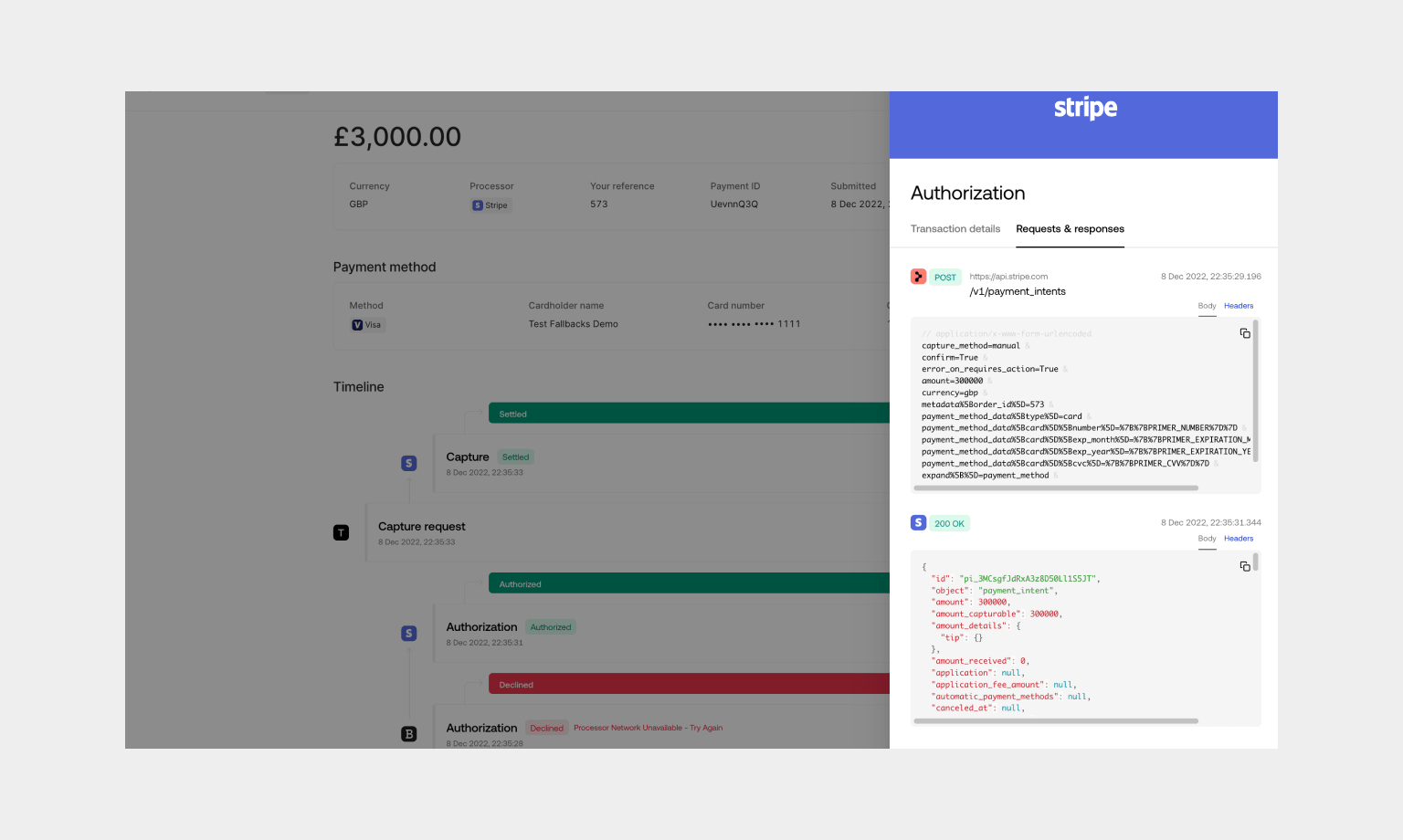
 **Primer is not a black box, but rather your payments infrastructure**. Select a specific event to see the requests and responses, providing full transparency into everything that’s happened to your payment throughout its journey.